
 Back to Guides
AI basics for parents.
This guide helps you understand the basics of AI: what to know, what AI can do, and how you can stay in the driver's seat of your child's AI use.
AI can help children learn, create, and explore. It can also be wrong, overconfident, or too easy to rely on. The goal is helping your child use it wisely, creatively, and safely.
You do not need to become an expert. You just need enough to guide your child with confidence.
What this means
Used well, AI can extend what people are able to learn, create, organise, test, and build. It can help turn a rough idea into a draft, a plan, a picture, a quiz, a piece of code, or a first prototype.
For your child
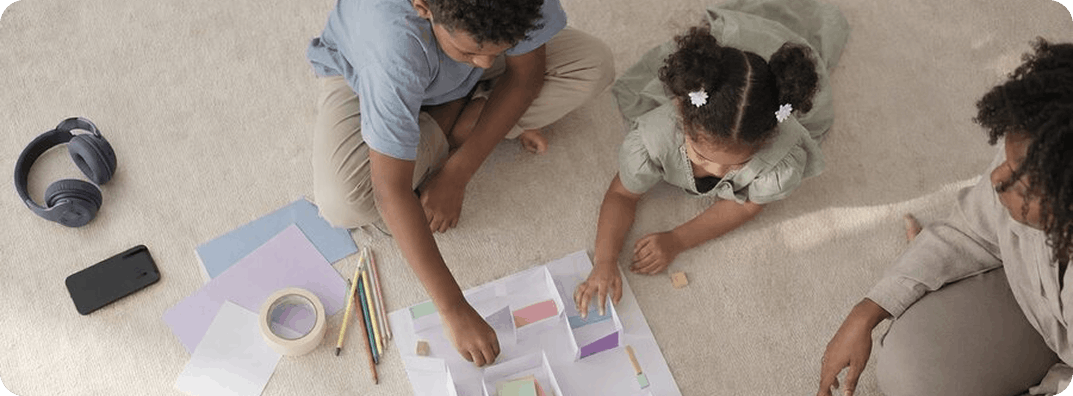
Your child may use AI to try things they could not easily do alone: make a quiz, improve a story, test an idea, plan a project, create an image, or build a simple app.
That can be a good thing. The check is whether they are still making choices, learning something, and keeping their own idea in the work.

What this means
Modern AI tools like ChatGPT, Claude, and Gemini predict the most likely next word, pixel, or action based on patterns learned from huge amounts of data. They do not "understand" the way a person does. The patterns are sophisticated enough to feel like understanding. They are not.
For your child
AI can write, draw, summarise, suggest, and answer. It does not know your child, your family, your school, or your values. It is a tool. A powerful one, but still a tool.
What this means
AI is often built into everyday apps. It can suggest what to watch next, finish a sentence, edit a photo, recommend a video, translate words, generate an image, or answer a question.
For your child
Your child may already be using AI in homework tools, search, image apps, videos, games, editing tools, and chatbots. It is in the camera on their phone, in the recommendations on their screen, and in the tools their teachers use. It is wider than most parents realise.

What this means
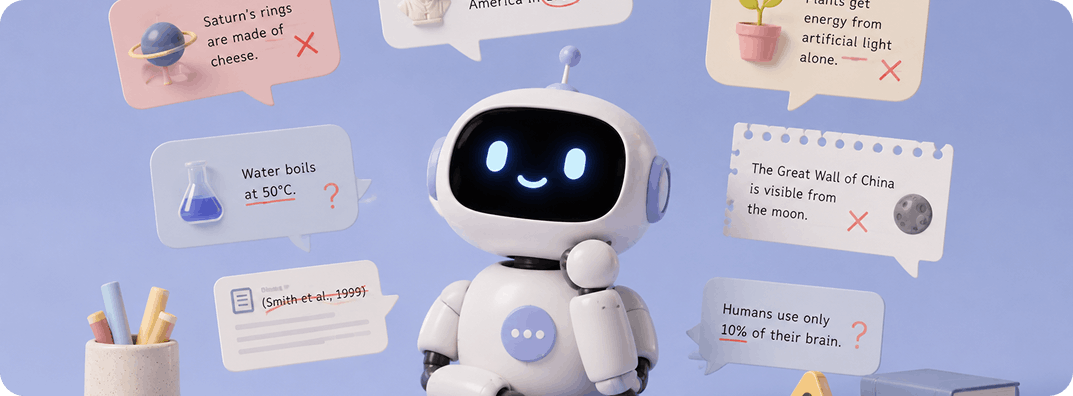
AI can produce fluent, calm, plausible-sounding information that is simply made up. Fake citations. Invented quotes. Wrong dates. The technical name is "hallucination." The everyday version is: AI makes things up, and sounds sure while doing it.
For your child
That calm voice can make children trust it too quickly. A useful habit at home:
The point is not to teach your child to distrust AI. Teach them to verify.

What this means
AI is trained on human-generated data, mostly from the internet, mostly in English, mostly from the United States and Europe. That data carries the biases, gaps, and assumptions of its source. It shapes what AI says about gender, race, history, geography, religion, family, and whose perspectives get centred.
For your child
What AI says about your culture, your faith, or your family's way of doing things may not fit. That does not mean AI is wrong. It means it does not know your family. Worth saying out loud:

What this means
Free AI tools often use your conversations to improve the model. Paid and enterprise versions usually offer stronger privacy. The settings differ from tool to tool, and they change over time.
For your child
Anything they type into an AI tool may be stored, used for training, or exposed in a breach. The same rules as the broader internet apply, with more at stake. See What not to share with AI for the full list.

What this means
AI never gets impatient. It never makes anyone feel silly for asking. It agrees, validates, and adjusts to what the person seems to want. That is by design. Some apps go further: "AI companionship" apps offer voice tools, and/or AI personas built to feel like friends, romantic partners, or therapists.
For your child
For a child who finds some conversations at home harder (a disagreement, a topic that feels risky to raise), AI can start to feel like the easier option. It is important that they know that you are the one that they can come to. AI should not replace friendships, real conversations, and family time together.
A note on safety
AI is not a friend.
"Companionship apps" in particular need more attention than tools that just help with an essay. They can be especially compelling for children who are lonely, anxious, or going through a hard period. Call it out clearly because it is important:

What this means
Thinking skills develop through use: attention, reasoning, problem-solving, memory, explanation, and judgment.
For your child
If your child often turns to AI before trying, choosing, or questioning, they may start to feel that thinking begins with the tool instead of with them.

What this means
AI can answer almost anything in a calm voice. That does not mean it should be the first place a question goes.
For your child
Questions about safety, personal worries, family values, serious feelings, or anything that makes them feel scared or unsafe should go to a trusted person first. Something worth saying to your child:

What this means
AI capabilities that seemed impossible eighteen months ago are now everyday. Whatever you learn today will be partly outdated within a year.
For your child
You do not need to keep up with every new tool. You just need to keep talking to your child. Ask what they are using, what they like, what is weird about it. Try the tools yourself. Keep coming back to this regularly as curiosity is what keeps you sharp.
References

This guide is informed by child digital safety and privacy principles, AI and children guidance, and practical family-facing recommendations on safe AI use. It draws on UNICEF's AI and Children framework, Common Sense Media guidance on children's privacy with AI tools, and UAE Federal Decree-Law No. 26/2025 on child digital safety.


